
Concepts
TimeCampus concepts
A guided tour of TimeCampus, one concept at a time. Each concept groups the illustrations of a feature or flow and explains what it does, how it works and who it is for.
29 concepts61 illustrations
These images are illustrations of the concept, not screenshots of the actual product.
Showing 29 of 29 concepts
Getting Started
Signing in and landing on a home dashboard that summarises today's time at a glance.
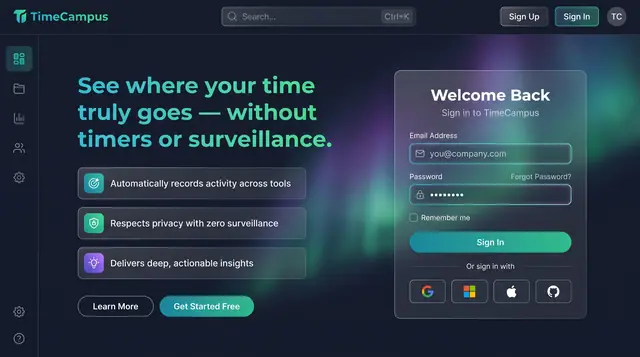
Privacy-First Sign In
A sign-in page that states the promise up front: see where your time goes, without timers or surveillance.
1 illustration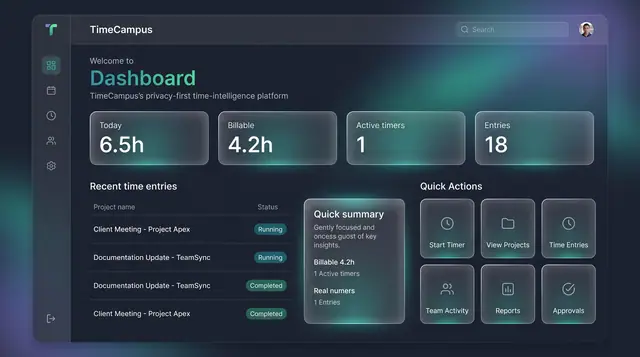
Home Dashboard and Custom Widgets
A home screen that sums up today's time at a glance, plus a widget board you assemble from the cards you care about.
2 illustrations
Capture
Automatic, timer-free capture that assembles your day from the tools, apps, inboxes and places you already use.
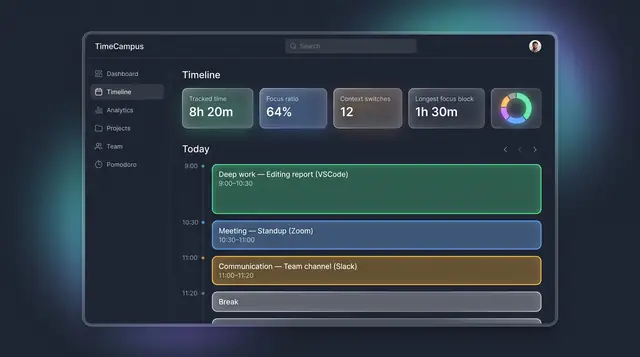
The Self-Assembling Timeline
Your day, assembled from every source into categorized blocks, with suggested projects you can accept or reject.
3 illustrations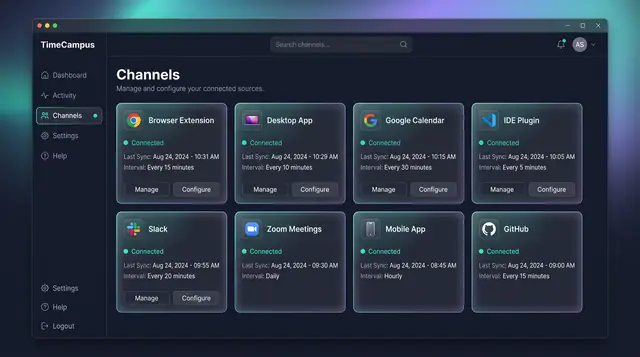
Automatic Capture Across Every Source
Connect your browser, desktop, calendar, editor, chat, meetings, phone and code host once, then let time capture itself.
4 illustrations
Time Tracking
Manual timers, editable time entries and Pomodoro focus sessions for when you want to track deliberately.
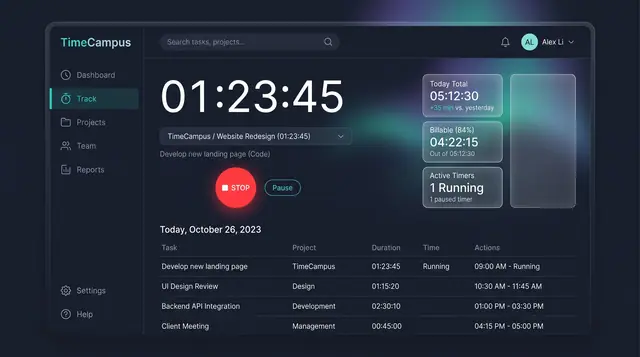
Timer and Time Entries
Start a timer when you want to track deliberately, then review, filter and edit every entry in one billable-aware list.
2 illustrations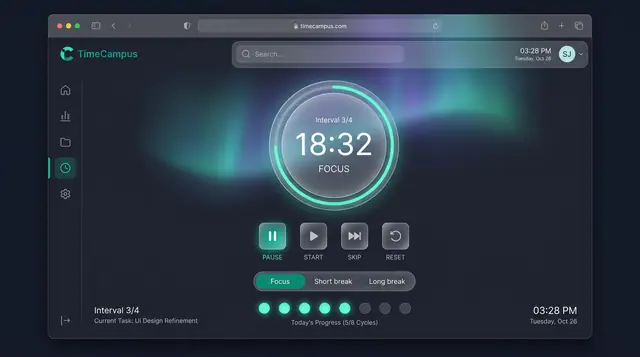
Pomodoro Focus Sessions
A structured focus timer with interval cycles, break modes and session analytics, on the desktop app and on a phone.
3 illustrations
Insights
Personal analytics, exportable reports, focus scoring and work-pattern signals such as burnout risk.
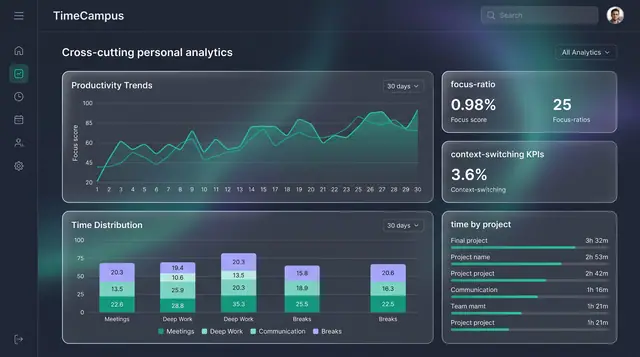
Personal Analytics and Reports
Turn captured time into trends, time distribution and project totals, then export the findings as ready-made reports.
2 illustrations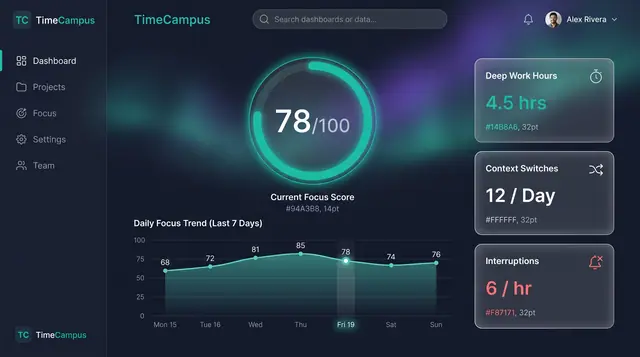
Focus Score and Work Patterns
A single focus score, the deep-work and interruption figures behind it, and the weekly rhythm that explains both.
2 illustrations
Plan & Deliver
Projects, tasks, meetings and team capacity planning tied directly to the time actually spent.
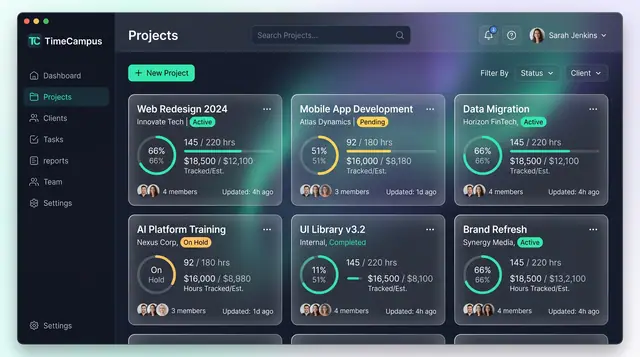
Projects and Tasks
Projects, budgets and task lists tied to the hours actually spent, so progress and burn are read from the same record.
3 illustrations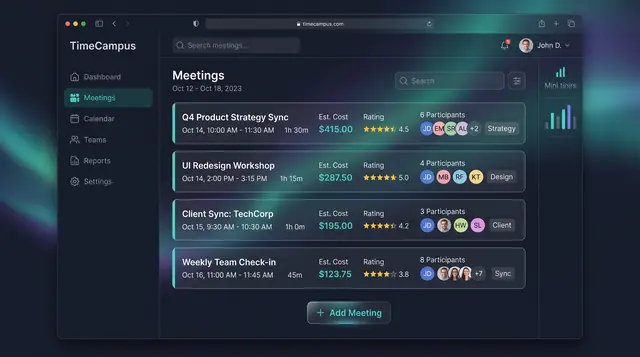
Meeting Cost and Load
See what every meeting costs in hours and money, rate its value, and watch weekly meeting load before it crowds out focus.
3 illustrations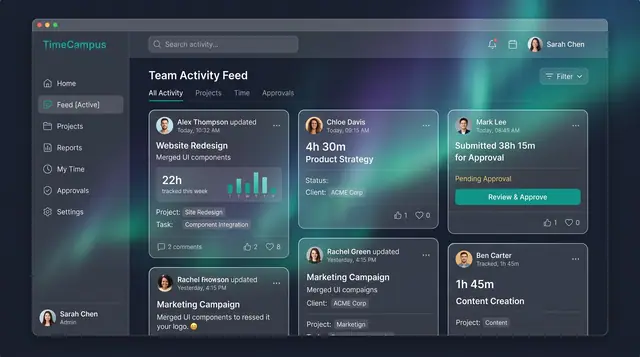
Team Activity and Capacity Planning
Follow what the team is working on, read aggregate time and meeting load, and plan allocations week by week against real capacity.
3 illustrations
Money & Clients
Expenses, timesheet approvals and client-facing portals that turn tracked time into billable, reviewable work.
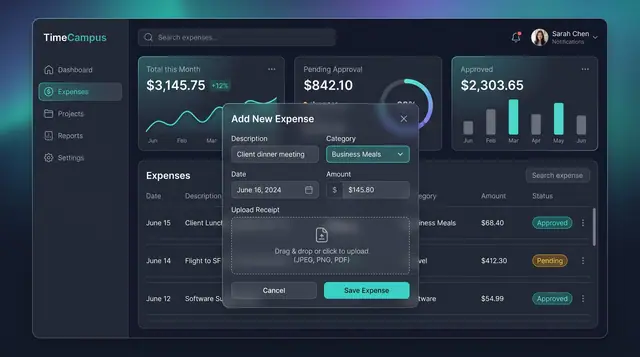
Expenses, Timesheet Approvals and Review
Log expenses with receipts, approve or reject submitted timesheets, and settle questions in a review thread beside the work.
3 illustrations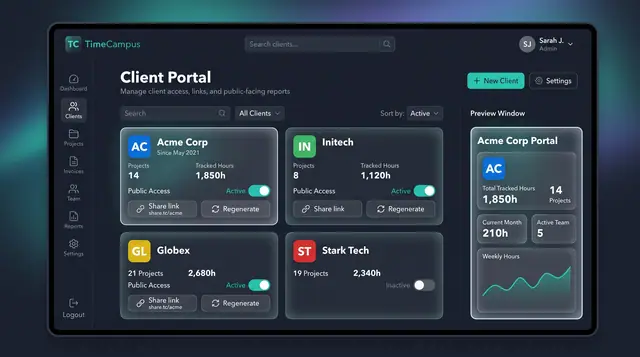
Client Portal and Share Links
Give each client a public view of tracked hours and projects, controlled by a toggle and a share link you can regenerate.
1 illustration
Life Intelligence
A whole-of-life view of your finite time that measures alignment with what you value rather than raw output.
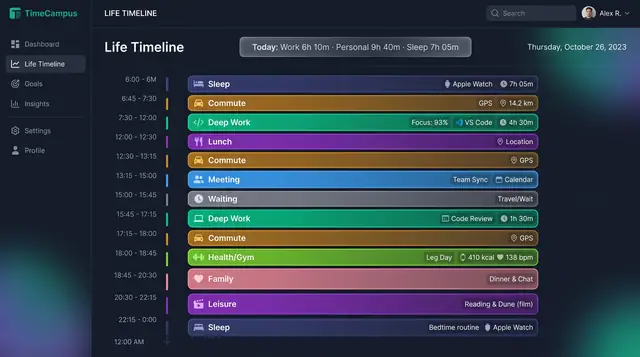
Life Timeline and Life in Weeks
See a whole day across work, rest, family and health, then zoom out to every week of your life lived and still ahead.
2 illustrations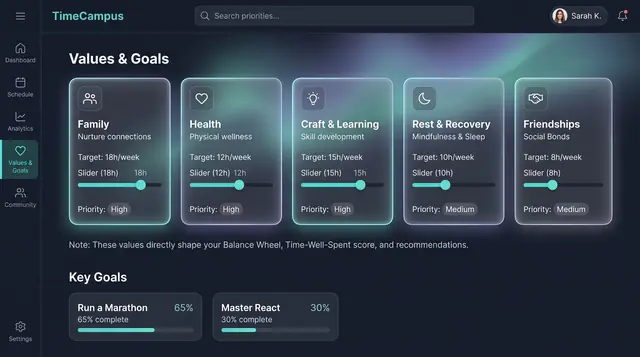
Values, Goals and Life Balance
Declare what matters and the weekly balance you want, then see how your real week compares, on desktop or phone.
3 illustrations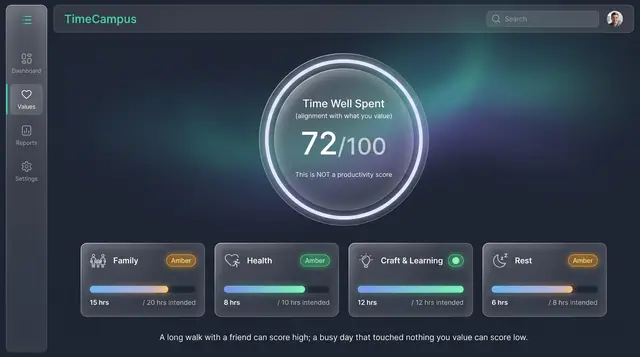
Time Well Spent Score
An alignment score that measures how closely your week matched what you value, not how much you produced.
2 illustrations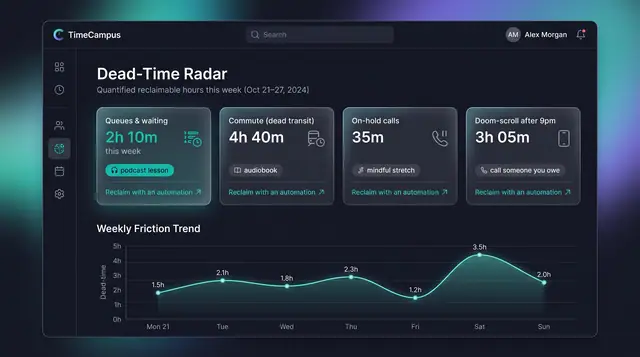
Dead-Time Radar
Quantify the hours you never chose, from queues and dead transit to late-night scrolling, and see how to take them back.
2 illustrations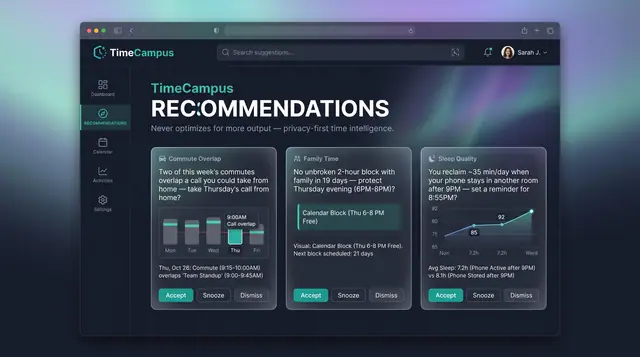
Values-Aware Recommendations
Personal, evidence-backed suggestions grounded in your own week, with guardrails that never push for more output.
2 illustrations
AI & Agents
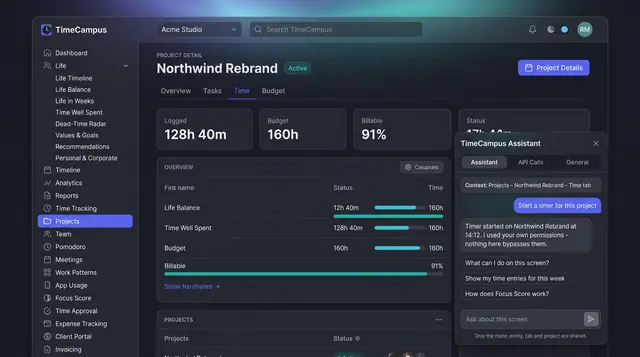
An in-context assistant and a governed gateway that let AI agents act on your time data under your own permissions.
Extend
Workflow automation, an applet store and workspace templates that adapt the product to how your team works.
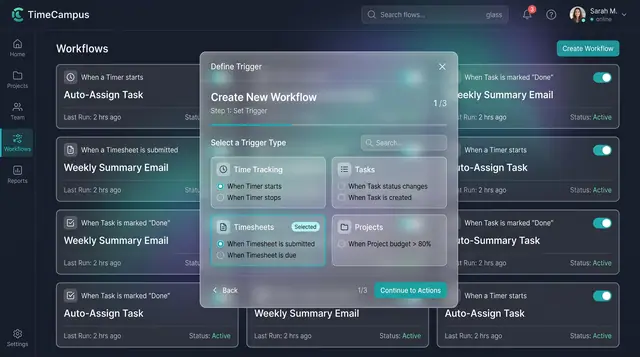
Workflow Automation
Turn time events such as a timer starting or a timesheet being submitted into automated actions, set up in guided steps.
1 illustration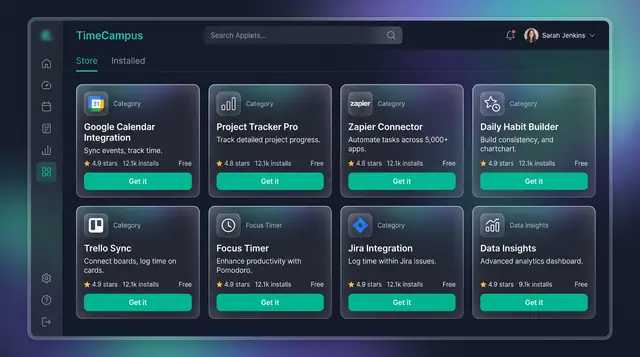
Applet Store and Workspace Templates
Add focused applets and integrations, and start new workspaces from templates shaped for consultants, agencies and teams.
2 illustrations
Privacy & Settings
Consent, data retention, personal-versus-employer boundaries and appearance preferences you control.
Privacy, Consent and Personal Boundaries
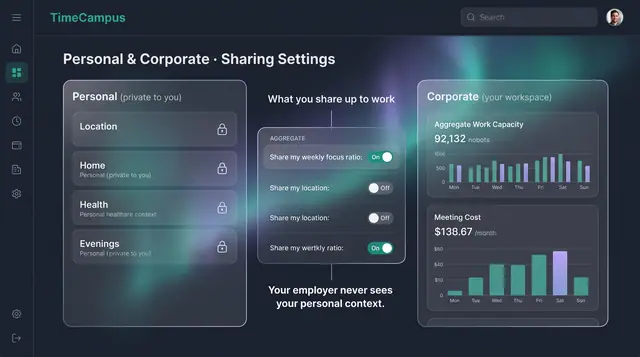
Decide what is captured, how long it is kept, and exactly what crosses from your personal life into your workspace.
3 illustrations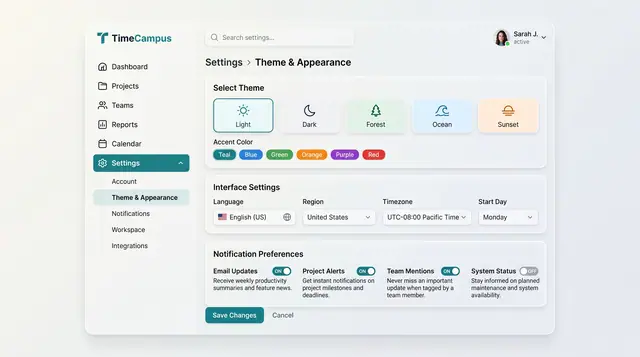
Theme and Appearance Settings
Choose a theme and accent color, set language, region, time zone and week start, and pick which notifications reach you.
1 illustration
Industry Solutions
How TimeCampus is designed to work inside specific industries, alongside other Burdenoff products — each concept belongs to a cross-product industry solution.
Matter-Coded Billable Time Suggestions
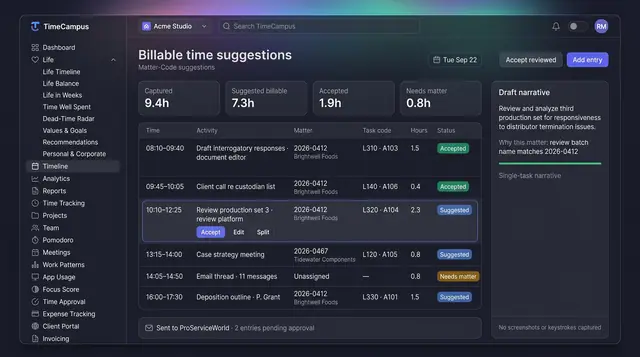
Yesterday's work, assembled into matter-coded draft entries with task codes and narratives, waiting for the lawyer to accept.
2 illustrations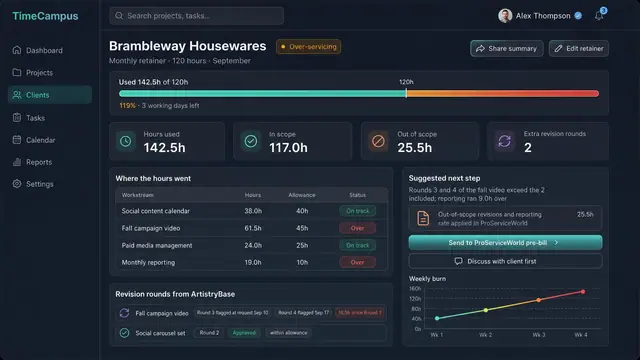
Agency Retainer Burn and Over-Servicing
See each client retainer's hours against the month's allowance, what is eating it, and when to raise the conversation.
1 illustration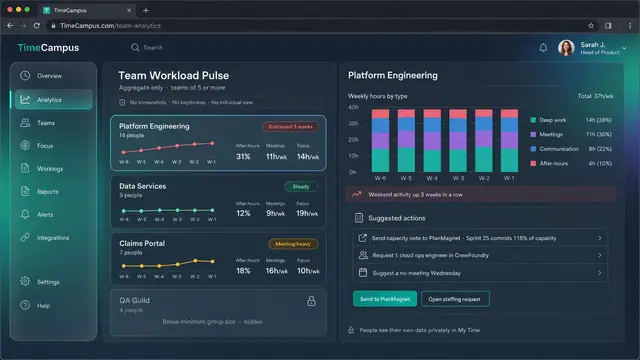
Team Workload and Wellbeing Pulse
After-hours share, meeting load and focus time per team, in aggregate only, so overload is seen early without watching anyone.
2 illustrations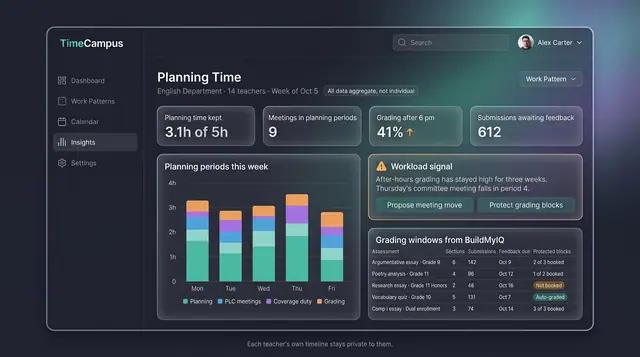
Teacher Planning Time and Grading Load
A department view of kept planning time, meetings and grading windows, built from aggregate data and never individual monitoring.
1 illustration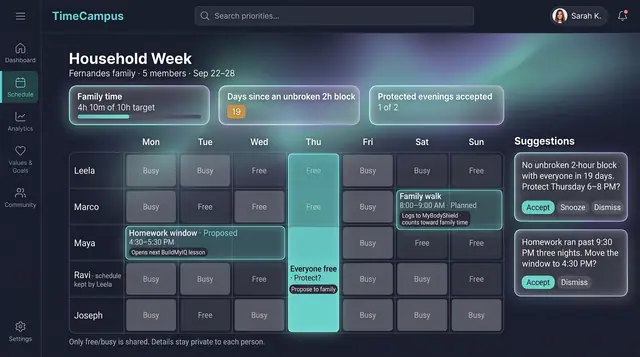
Family Time Balance Planner
An opt-in household week of free and busy time, with family hours against the family's own target and evenings to protect.
2 illustrations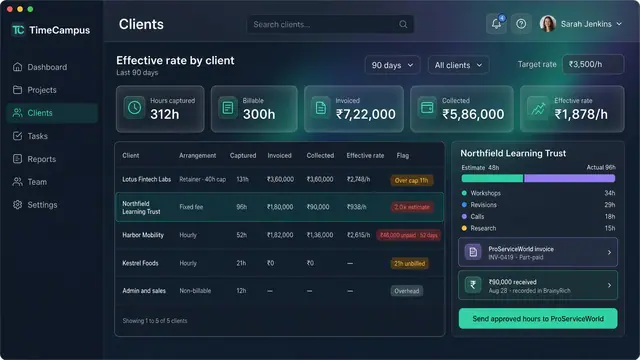
Freelance Effective Hourly Rate Board
Hours captured, amounts invoiced and paid for each client side by side, with the hourly rate each engagement really earns.
1 illustration
TimeCampus in industry solutions
See how TimeCampus works with other Burdenoff products to solve real problems in specific industries — each solution walks through the challenges, the products involved and the concepts behind them.

Industry solution
Law Firms and Legal Teams
A solution concept for law firms and in-house legal teams that connects matters, conflicts, legal holds, time capture, billing rules, precedent search and staffing.
See the solution(opens in a new tab)
Industry solution
Consulting, Accounting & Agencies
A solution concept for consulting, accounting and agency firms: capture time automatically, staff sold work on real capacity, watch fixed-fee burn and see WIP and cash in one view.
See the solution(opens in a new tab)
Industry solution
Marketing & Advertising
A solution concept for brands, agencies and media buyers: HeadshotMarketing, ArtistryBase, BigConsole, FluidGrids and four specialist products are designed to run a campaign as one system.
See the solution(opens in a new tab)
Industry solution
HR, Staffing & Workforce
A solution concept for HR, staffing and workforce planning: skills-based hiring, bench redeployment, mandatory training, aggregate workload signals and one access-controlled workforce plan.
See the solution(opens in a new tab)
Industry solution
IT, Cloud & Managed Services
A solution concept for infrastructure teams and managed service providers: eight Burdenoff products working from one shared, access-controlled picture of all the systems in their care, from the first scan to the client review.
See the solution(opens in a new tab)
Industry solution
Education & EdTech
A solution concept that brings eight Burdenoff products together for schools, universities and bootcamps: early alerts, faster feedback, belonging, student services, proof of skill and focus.
See the solution(opens in a new tab)
Industry solution
Family & Home Life
How eight Burdenoff products are designed to help a household run its money, its home, its time, its learning and its family story together.
See the solution(opens in a new tab)
Industry solution
Personal Finance
How BrainyRich, Subscriber Bot, HousingVista, TimeCampus, ProServiceWorld, FluidGrids and BotManor work together for households, freelancers and small landlords.
See the solution(opens in a new tab)
Industry solution
Accounting, Tax & Audit
A solution concept for accounting, tax and audit teams: onboard acquired clients cleanly, know which documents are missing, balance review work, collect evidence, close on time and answer notices.
See the solution(opens in a new tab)