What can you do with TimeCampus?
From capturing time on every device and in the physical world, to asking where it went and whether you are on track, to automations, mentors and recovery plans that change it. Pick a persona and follow the story. Personas are illustrative, not real customers.
Showing 42 use cases

Observe
See where engineering time really goes, straight from the editor
TimeCampus code editor extensions record developer time on demand: the project, language, and editing, reading, debugging, test and build time, with no file contents.

Observe
Turn repository activity into time you can explain
The TimeCampus GitHub app records repository activity on demand and attributes commits, reviews, issues and CI runs to repos and projects in your timeline.

Observe
Know what the browser hours were actually for
The TimeCampus Chrome extension records the active domain and tab focus time, so browsing reads as research, communication or distraction instead of one long blur.

Observe
Bring the phone and the PC into the same timeline
TimeCampus mobile and desktop apps capture app usage, screen time and active versus idle time on phones and PCs, merged into one timeline without double counting.

Observe
Count sleep, movement and recovery as part of your day
Connect fitness apps and wearables to TimeCampus so sleep, exercise, steps and recovery sit beside work time, and recommendations protect them.
Observe
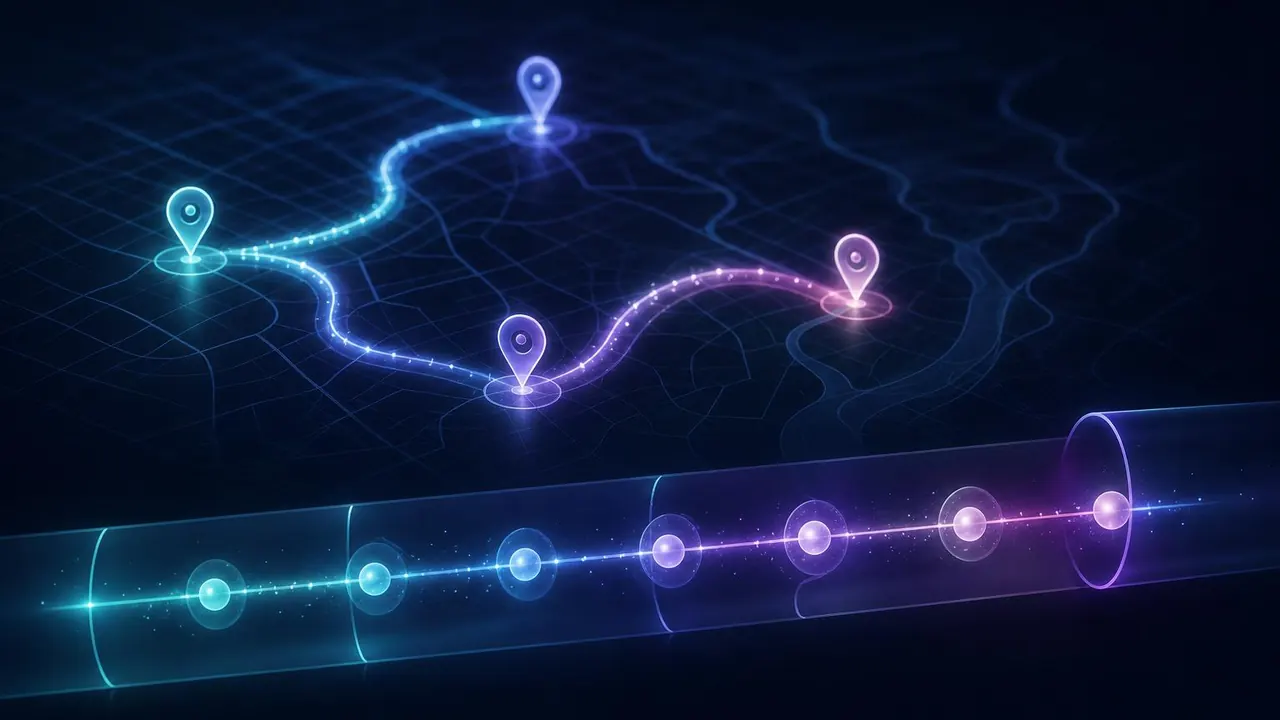
Make travel and commute time visible, then reclaim it
TimeCampus maps and travel integrations record trips, commutes and travel modes, so you can see what travel costs your week and plan around it.

Observe
Let the places and devices around you tell the story
TimeCampus accepts IoT streams from beacons, NFC tags, smart home devices, connected vehicles and wearables, turning physical presence into time in context.

Observe
Build a channel for any source with SDKs and APIs
Use the TimeCampus Node and Python SDKs and APIs to stream time data from in-house tools, devices or systems that no built-in channel covers.

Observe
One data sink for time, shared with BigConsole for BI
All TimeCampus time data lands in one governed data sink, shared with BigConsole so business intelligence teams can join time with the rest of the business.

Analyze
Slice, dice and drill down to the evidence
Slice TimeCampus data by person, team, project, client, source, place or time of day, plot it on a dashboard, and drill down to the individual events.

Analyze
Ask your time anything, in plain language
Ask TimeCampus questions like “where did my deep work go last week?” and get an answer with a chart, the evidence and how much of the week it saw.

Analyze
See where time was really spent, in context
TimeCampus joins every source into context, so a block of time reads as the project, meeting or distraction it really was, not the app it ran in.

Analyze
Compare your goal’s trajectory with where you are today
Set a goal in TimeCampus and see its planned trajectory beside your current state, with the gap, its trend and an early warning when it starts to drift.

Optimize
Find the repetitive digital work, and automate it away
TimeCampus finds repetitive digital work in your captured time, estimates the hours it costs and drafts FluidGrids automations you approve before they run.

Optimize
Get recommendations for the physical and the digital day
TimeCampus recommends personal, explainable changes for the digital day (focus, meetings, email) and the physical day (sleep, movement, commute).

Optimize
Book a mentor who sees only what you choose to share
TimeCampus connects you to mentors on demand. Share an insight pack you control, book a session, and turn their advice into scheduled steps.

Optimize
Get back on track, or ahead, with a recovery plan
When a goal drifts, TimeCampus proposes a recovery plan of focus blocks, automations or a mentor session, schedules the steps and tracks the projection daily.

Teams & Business
Optimize a team’s time without watching anyone
TimeCampus gives leaders aggregate team trajectories, recommendations and automation ideas with minimum group sizes, while each person keeps their own data private.

Observe
See where your day actually went — without a single timer
Capture your day's activities automatically with TimeCampus. Understand your time usage without manual timers for clear, categorized insights.

Optimize
Plan a realistic day and protect it
Plan your day with TimeCampus. Set intentions, reserve focus blocks, and adjust plans to ensure important tasks are completed.

Optimize
Defend deep work from constant interruption
TimeCampus helps protect deep work by learning your patterns and reducing interruptions, ensuring focus and minimizing context-switching.

Optimize
Notice burnout risk before it becomes a problem
TimeCampus identifies early burnout signals by analyzing workload patterns, allowing timely adjustments to prevent exhaustion.

Optimize
Run focused work in clean Pomodoro intervals
Use TimeCampus's Pomodoro timer for structured focus sessions, promoting healthy breaks and building productive habits.

Teams & Business
Plan capacity on reality, not gut feel
TimeCampus offers a privacy-respecting view of team time distribution, aiding realistic capacity planning and commitment management.

Analyze
Take back time lost to meeting overload
TimeCampus reveals the true cost of meetings, helping teams reduce overload and reclaim time for meaningful work.

Teams & Business
Approve team timesheets with confidence
Streamline timesheet approvals with TimeCampus. Review and approve hours confidently, ensuring accurate billing and payroll.

Teams & Business
Give clients a transparent window into their projects
TimeCampus client portal offers transparent project insights, replacing status emails with self-serve clarity for clients.

Analyze
Trade vanity metrics for honest insight
Transform activity data into actionable insights with TimeCampus. Focus on trends like deep-work hours to drive real decisions, not vanity metrics.

Teams & Business
Generate trustworthy time reports in seconds
Automatically generate accurate time reports with TimeCampus. Export for billing, retrospectives, or records without manual tracking.

Teams & Business
Capture billable expenses alongside your time
Record expenses alongside time with TimeCampus. Attribute costs to projects for comprehensive client reports and invoices without extra spreadsheets.
Analyze
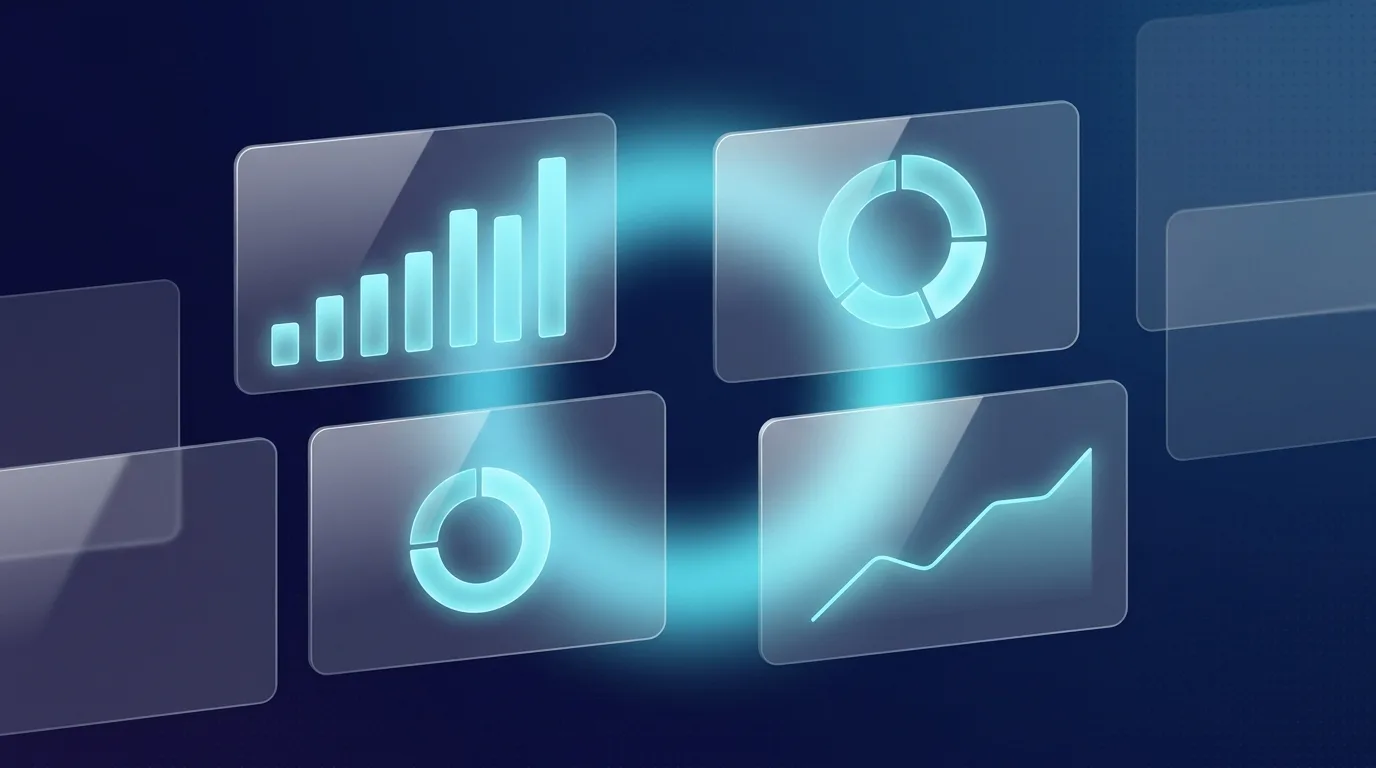
Compose the dashboard each role actually needs
Build custom dashboards with TimeCampus. Use composable widgets to display the time metrics each role needs, avoiding one-size-fits-all views.

Observe
Unify every tool into one picture of the day
Integrate all your tools into a single timeline with TimeCampus. Eliminate the need to switch between tabs for a cohesive daily overview.

Privacy & Platform
Extend the platform with applets
Configure TimeCampus with modular applets. Add views, connectors, and automations so the platform fits your team's workflow.
Optimize
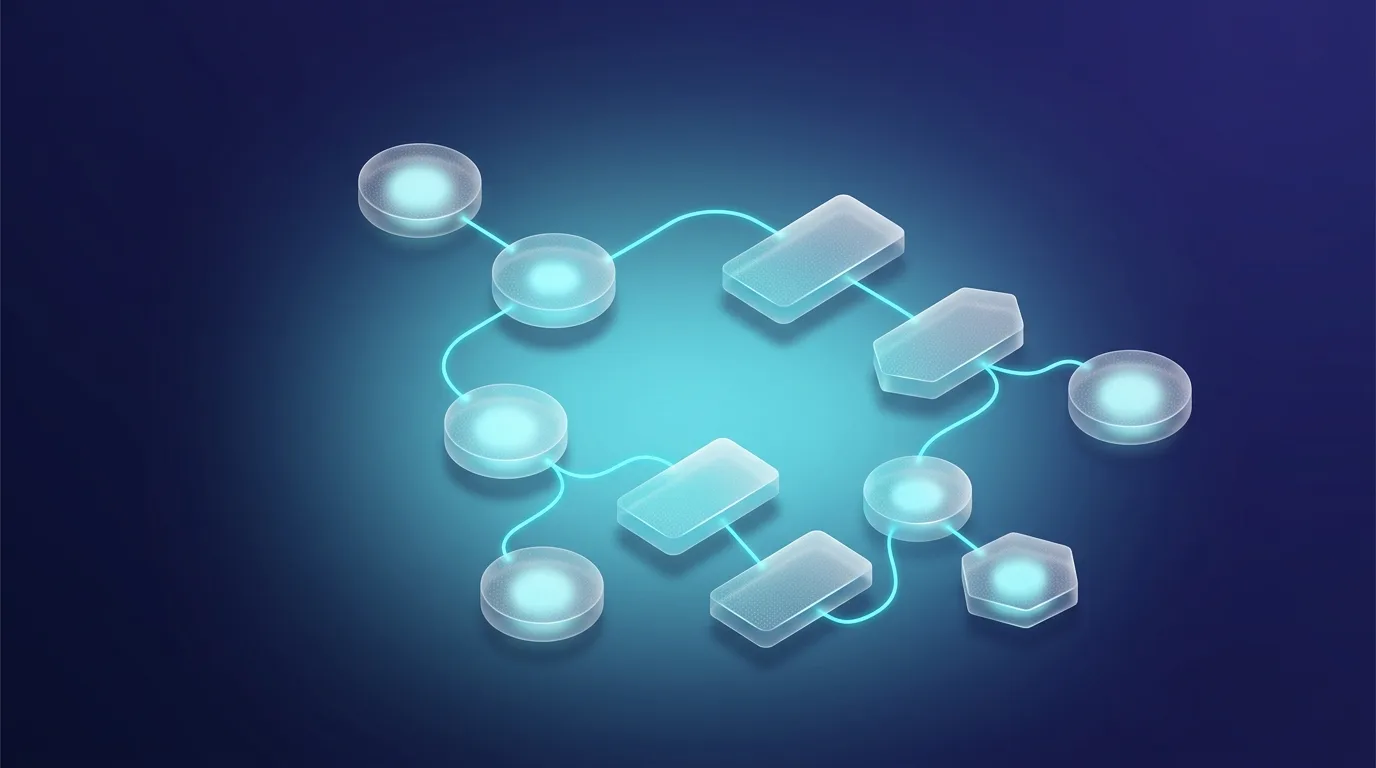
Automate the routine handling of your time data
Automate time-tracking tasks with TimeCampus. Use workflows for categorization, reminders, and reports, freeing your attention for more important work.

Privacy & Platform
Insight without surveillance
TimeCampus offers privacy-first insights without surveillance. Control what is captured, ensuring data privacy without compromising on insight.

Privacy & Platform
Run TimeCampus across teams with governance built in
Manage multiple teams with TimeCampus's governed platform. Roles, access control, and auditability ensure secure, confident adoption.

AI Native
Let TimeCampus name the project behind each captured hour
Automate project attribution with AI. TimeCampus matches activities to projects using keyword classifiers and LLMs for accurate billing.

AI Native
Weekly suggestions that will never tell you to work more
Get weekly AI-driven time management tips. TimeCampus suggests improvements based on your goals, ensuring no increase in workload.

AI Native
Insights that show their evidence — and admit what they missed
Gain insights with evidence. TimeCampus provides transparent productivity metrics, showing the data behind each recommendation.

AI Native
Find the hours that quietly leaked out of your week
Identify and reclaim lost time. TimeCampus highlights unproductive hours, excluding necessary rest, to optimize your schedule.

AI Native
Ask the assistant about the screen you are already on
Use context-aware AI assistance. TimeCampus offers in-screen help, ensuring privacy and seamless integration with your workflow.

AI Native
Decide what the intelligence is allowed to see
Control AI data access. TimeCampus lets you manage what data is used, ensuring privacy and personalized recommendations.
See your scenario here?
Observe, analyze and optimize your own time — start on the free plan.