Does TimeCampus take screenshots or log keystrokes, and what can my employer actually see?
No screenshots or keystroke logging TimeCampus is built from the ground up for insight rather than surveillance.
About this answer — Produced by our own assistant on 23 September 2026 from our published documentation. The pages it drew on are linked under the answer. It is generated text, not a statement from a person — where it and a linked page disagree, the page is right.
Answer
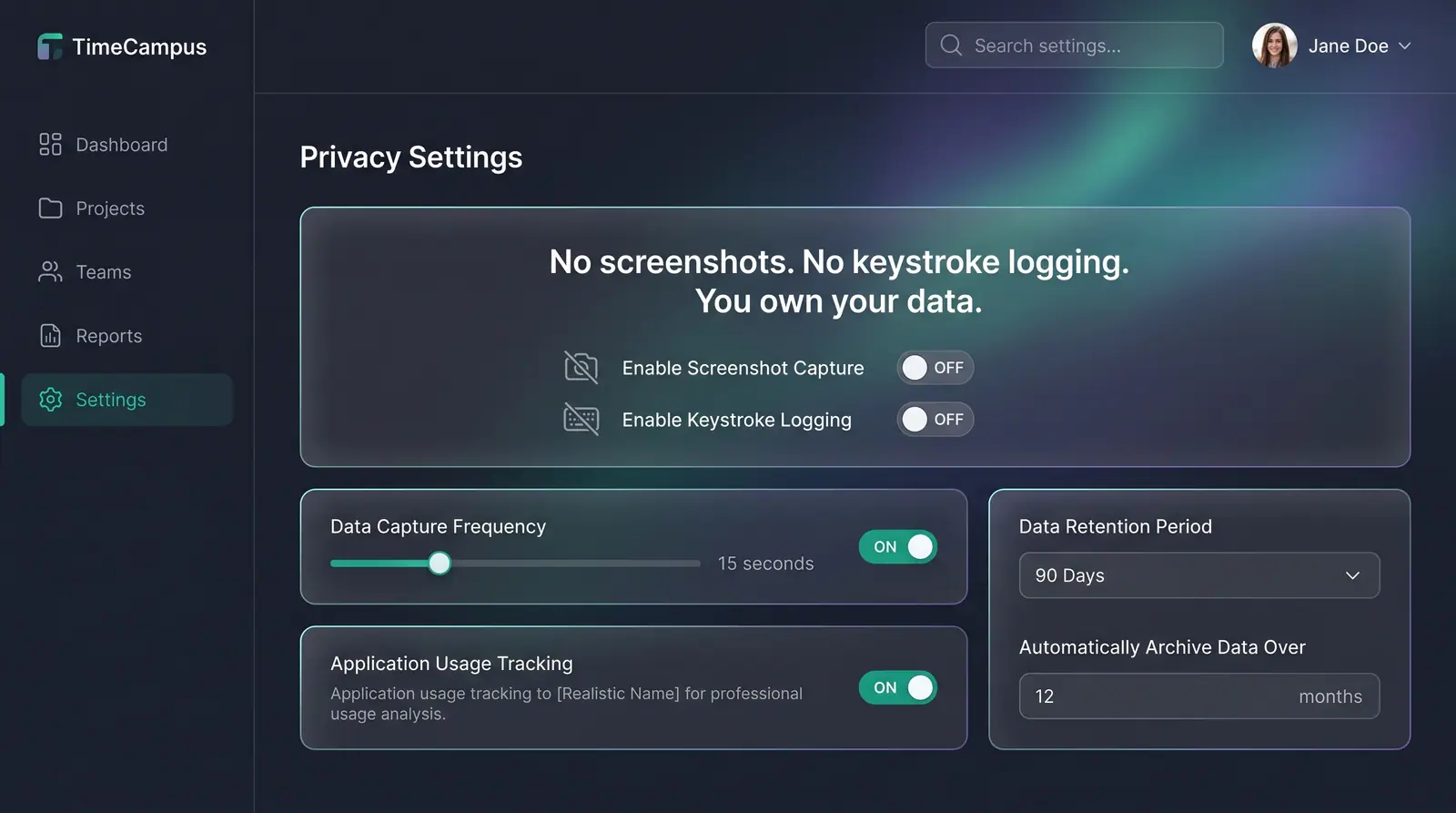
No screenshots or keystroke logging TimeCampus[1] is built from the ground up for insight rather than surveillance. It never takes screenshots, records screens, or logs keystrokes (TimeCampus Features[2]). Instead of monitoring inputs or screens, time intelligence is constructed strictly from high-level activity metadata, calendar spans, and tool categories.
 (opens in a new tab)
Illustration of the concept, not a screenshot of the actual product — Privacy, Consent and Personal Boundaries[3]
(opens in a new tab)
Illustration of the concept, not a screenshot of the actual product — Privacy, Consent and Personal Boundaries[3]
What your employer can see Your employer never sees your personal context or raw individual timelines. As outlined in the Privacy, Consent and Personal Boundaries concept[3], TimeCampus separates data into two distinct spaces:
- Personal Context: Any sensitive information (such as location, health, home, and evening hours) remains locked and strictly private to you, with sensitive processing handled on-device.
- Corporate Workspace: Employers and team managers can only view aggregate team metrics—such as collective team capacity, overall focus ratios, and aggregate meeting loads—intended for workload planning without exposing individual day-to-day actions.
You have per-source consent and retention controls, meaning you decide what sources are connected, what aggregate signals cross into the workspace, and when to withdraw access (TimeCampus Privacy Policy[4]).
Learn more about this architecture on the Privacy-First by Design use case[5].
Sources
The pages this answer was drawn from.
- Privacy-First AI Time Intelligence Platform | TimeCampustimecampus.com(opens in a new tab)
- Features — Privacy-First Time Intelligence | TimeCampustimecampus.com(opens in a new tab)
- Privacy, Consent and Personal Boundaries — Concept | TimeCampustimecampus.com(opens in a new tab)
- Privacy Policy | TimeCampustimecampus.com(opens in a new tab)
- Insight without surveillance — Use Cases | TimeCampustimecampus.com(opens in a new tab)